

Sorting through laptop review sites wastes time when many mix shallow verdicts with outdated rankings. Too many sites put marketing copy ahead of measured tests or hide deep tech features behind paywalls and clutter. You can pinpoint a trusted review resource matching your needs—whether that means benchmarking data, troubleshooting guides, or unbiased editorial context.
Table of Contents
- Techreviewnerds
- LaptopMag
- notebookcheck.net
- laptopmedia.com
- Trusted Reviews
- Comparison of alternatives
Techreviewnerds
At a Glance
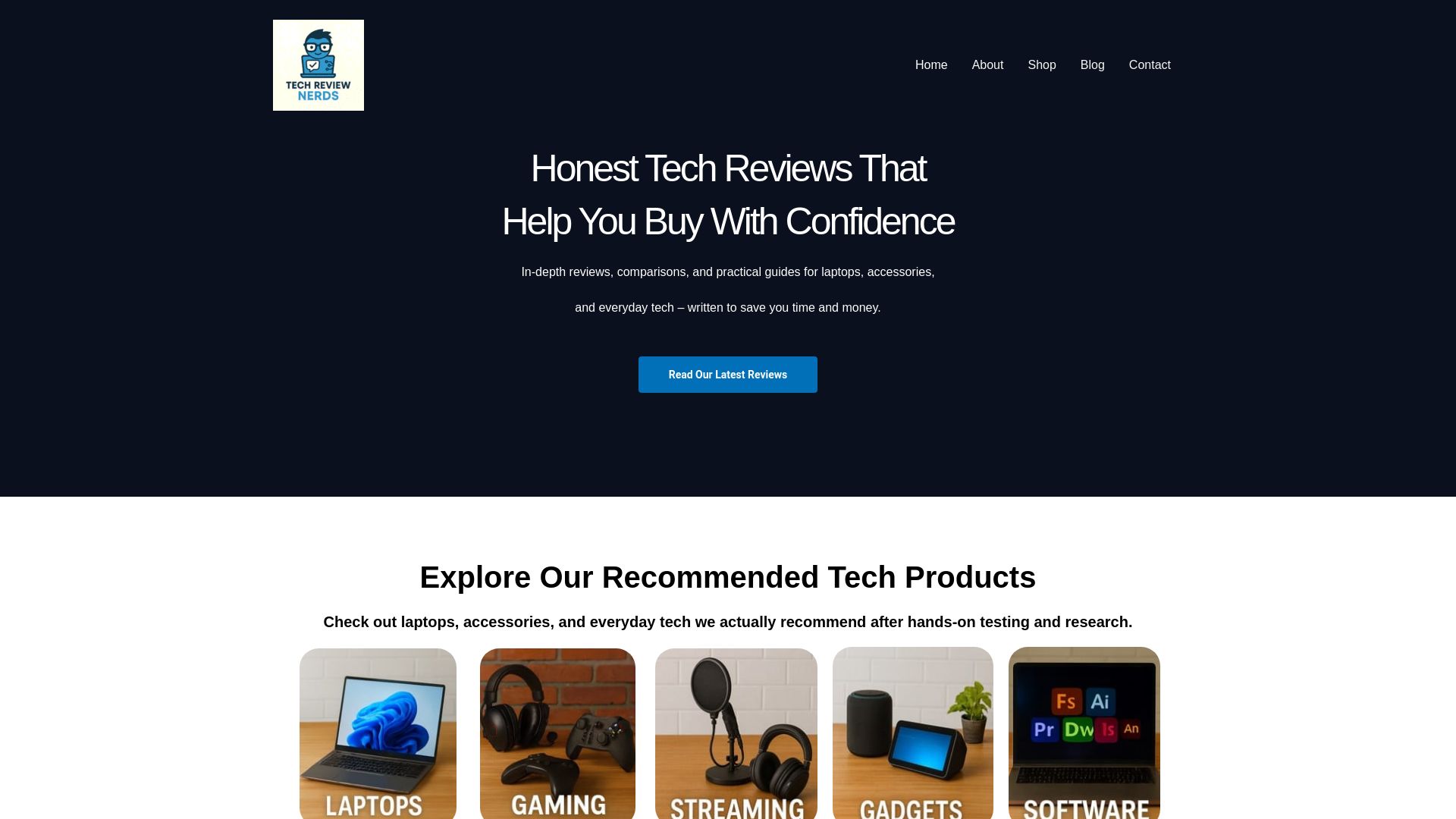
Interactive troubleshooting tools sit alongside hands-on laptop tests. The site focuses on practical, performance-based testing rather than spec sheets. Editorial content is updated regularly and claims independence from paid placements.
Core Features
The site publishes hands-on reviews that report real-world battery, thermal, and performance behavior, and it offers comparison tools that line up test results side by side. Interactive troubleshooting guides walk readers through setup, calibration, and basic repairs. Regularly updated guides and clear pros and cons keep recommendations relevant for everyday buyers.
Key Differentiator
The editorial process favors repeated, real use tests and frequent content updates instead of marketing-driven summaries. That stance pairs with step-by-step troubleshooting tools that help readers resolve common issues themselves. The combination reduces guesswork when choosing a mid range laptop.
Pros
Readers get honest, practical insights grounded in repeatable tests rather than vendor claims. The site provides clear pros and cons based on hands-on experience, which makes tradeoffs easier to evaluate. Interactive troubleshooting tools reduce time spent on setup and repairs, and regular updates keep guidance current as new models arrive. The approach helps both tech novices and experienced buyers spend less time researching and more time using the device they buy.
Cons
- Some advanced technical data may be behind paywalls, which limits deep dives for readers seeking exhaustive teardown details.
Who It’s For
This resource fits consumers and tech enthusiasts who want unbiased, experience-driven reviews for everyday laptops and accessories. It also suits students and remote workers who need straightforward comparisons of battery life and heat management. Novices benefit from the troubleshooting guides that make routine fixes less intimidating.
Unique Value Proposition
Side-by-side test comparisons plus stepwise troubleshooting translate editorial findings into practical buying decisions. That setup shortens the decision process by showing how laptops perform in tasks that matter to real users. The lack of paid placements aims to keep recommendations focused on longevity and cost effectiveness rather than sponsor priorities.
Real World Use Case
A buyer compares several mid range laptops for battery runtime and thermal throttling using the sites comparison tools. They follow troubleshooting steps to calibrate battery reporting and validate vendor claims. That workflow leads to a purchase choice based on measured endurance and usable performance under load.
Website: https://techreviewnerds.com
LaptopMag
At a Glance
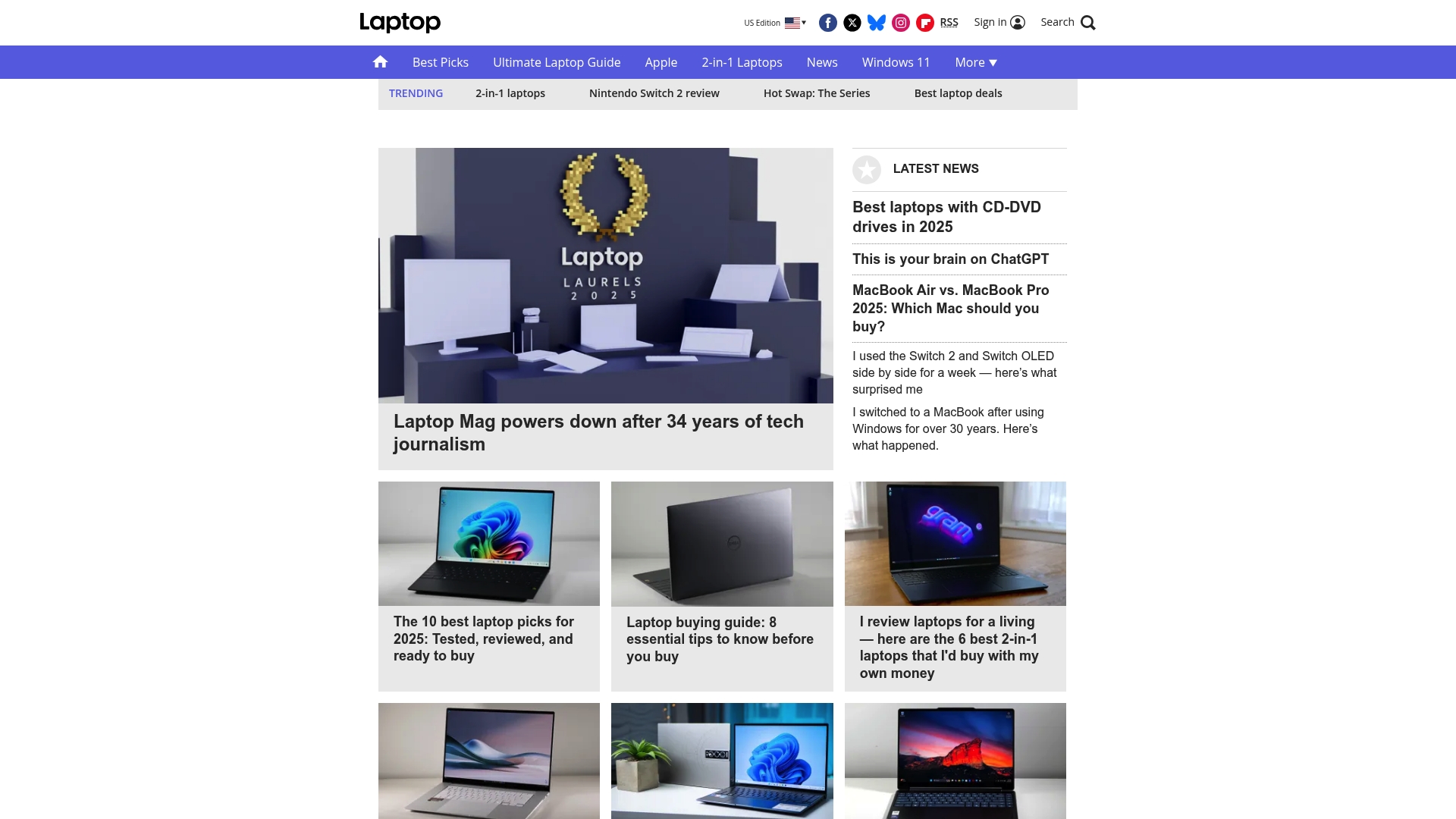
LaptopMag shows that several content sections are missing or inaccessible on public pages. That absence makes specific product specs and interactive tools hard to find. For readers hunting a best mid range laptop, the site still centers on editorial reviews and timely tech news aimed at general consumers.
Core Features
LaptopMag publishes editorial reviews, feature pieces, and news about laptops and consumer electronics. The site appears to focus on comparison articles and buyer guidance rather than direct product trials or interactive tools. Public pages lack detailed feature listings, so readers rely on the editorial voice and article archives for product insight.
Key Differentiator
The main distinction is a clear editorial focus on consumer centered reviews and news coverage. LaptopMag frames its content to help shoppers weigh laptop tradeoffs and trim choices. That emphasis makes the site useful when you want quick verdicts and readable comparisons rather than raw spec dumps.
Pros
LaptopMag delivers accessible reviews and news that target everyday buyers and tech enthusiasts. The publication likely offers buyer guides and comparison pieces that simplify complex spec differences for people shopping for laptops. The site is free to access and has an established presence in consumer tech media, which helps when you need a familiar editorial voice to vet models.
Cons
-
Site content sections are not accessible or are missing. That limits direct access to structured reviews and features.
-
No clear details on platform functionalities or extra services exist. You will not find demo tools or interactive comparison widgets.
-
Coverage is editorial only and does not include direct product sales or checkout flows. There is no transactional capability on the site.
-
Specific product features and integrations are not listed. That makes deep technical comparisons harder than on vendor pages.
When It May Not Fit
If you want hands on demos, downloadable firmware, or retailer links, LaptopMag will feel limited. The site does not sell products or host interactive comparison tools. Teams that need vendor supported assets or APIs will need a different resource. For detailed spec sheets and product downloads, go to manufacturer or retailer pages instead.
Who It’s For
The site fits consumers who want readable, opinionated reviews and quick verdicts while comparing laptops. It suits students, remote workers, and casual gamers who prefer editorial context over raw engineering detail. If you value an experienced editorial voice that explains real world tradeoffs, this site matches that need.
Real World Use Case
A shopper narrowing choices for a college laptop can read LaptopMag review articles to compare battery life, screen quality, and build. The site helps translate specs into everyday impacts like note taking, video calls, and light photo edits. That makes it a practical stop early in the research process.
Website: https://laptopmag.com
notebookcheck.net
At a Glance
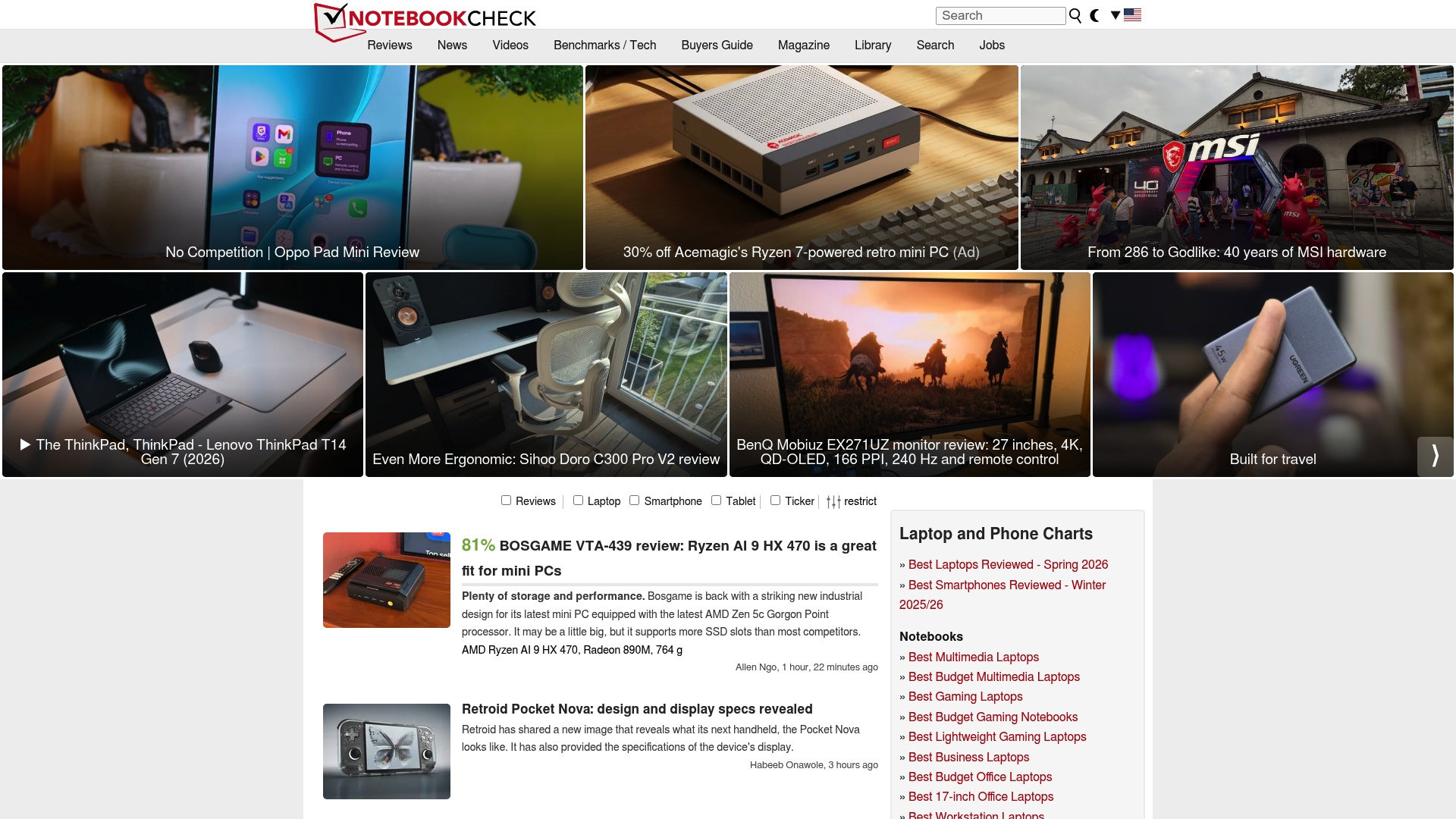
Notebookcheck.net uses Cloudflare security to block malicious bot traffic, which can also produce access challenges for some readers. The site focuses on in-depth hardware testing with detailed measurement tables for laptops and smartphones. Troubleshooting guides help readers work around access or configuration problems and interpret benchmark results.
Core Features
The site delivers exhaustive hardware reviews and lab style benchmarks that break down CPU, GPU, battery, and thermal behavior in measurable terms. It pairs longform performance analysis with step by step troubleshooting articles for software and hardware faults. Strong site security sits alongside searchable benchmark tables and review archives.
Key Differentiator
Notebookcheck.net stands out for its highly technical review approach and dense measurement data. Reviews often include multiple benchmark suites, power and temperature logs, and display measurements that speak to real performance trade offs. That depth targets readers who need numbers to compare devices rather than broad impressions.
Pros
The reviews are technical and data rich, useful when you need to compare two laptops by raw benchmarks and thermal curves. I use their benchmark tables when validating results from my own test rigs because the site documents test conditions clearly. Helpful troubleshooting articles speed diagnosis of driver issues and hardware faults. Strong site security protects the review corpus from abuse and preserves content integrity.
Cons
- Access challenges caused by security checks and network or browser configurations can block legitimate readers.
- The site does not sell products or offer commerce features, so it serves information only.
- Reliance on third party security measures can sometimes prevent access from shared or corporate networks.
- Interactive features beyond articles and static review data are limited.
When It May Not Fit
If you need a retail storefront or an interactive comparison tool with user submitted reviews the site will not meet that need. Heavy corporate networks that trigger Cloudflare checks may block access and disrupt research. Readers who prefer community forums or buyer marketplaces will find limited interactivity and no direct purchasing paths.
Who It’s For
This site fits tech enthusiasts, hardware reviewers, and IT professionals who base decisions on measurement data. It suits people who want thermal charts, display color numbers, and repeatable benchmark results. Casual shoppers who prefer quick ratings or social proof will likely prefer other destinations.
Real World Use Case
A hardware reviewer uses the site to cross reference laptop CPU throttling under sustained load and to compare battery drain figures across models. The benchmark datasets and step by step measurement notes let that reviewer reproduce key tests in their own lab and confirm vendor claims.
Website: https://notebookcheck.net
laptopmedia.com
At a Glance
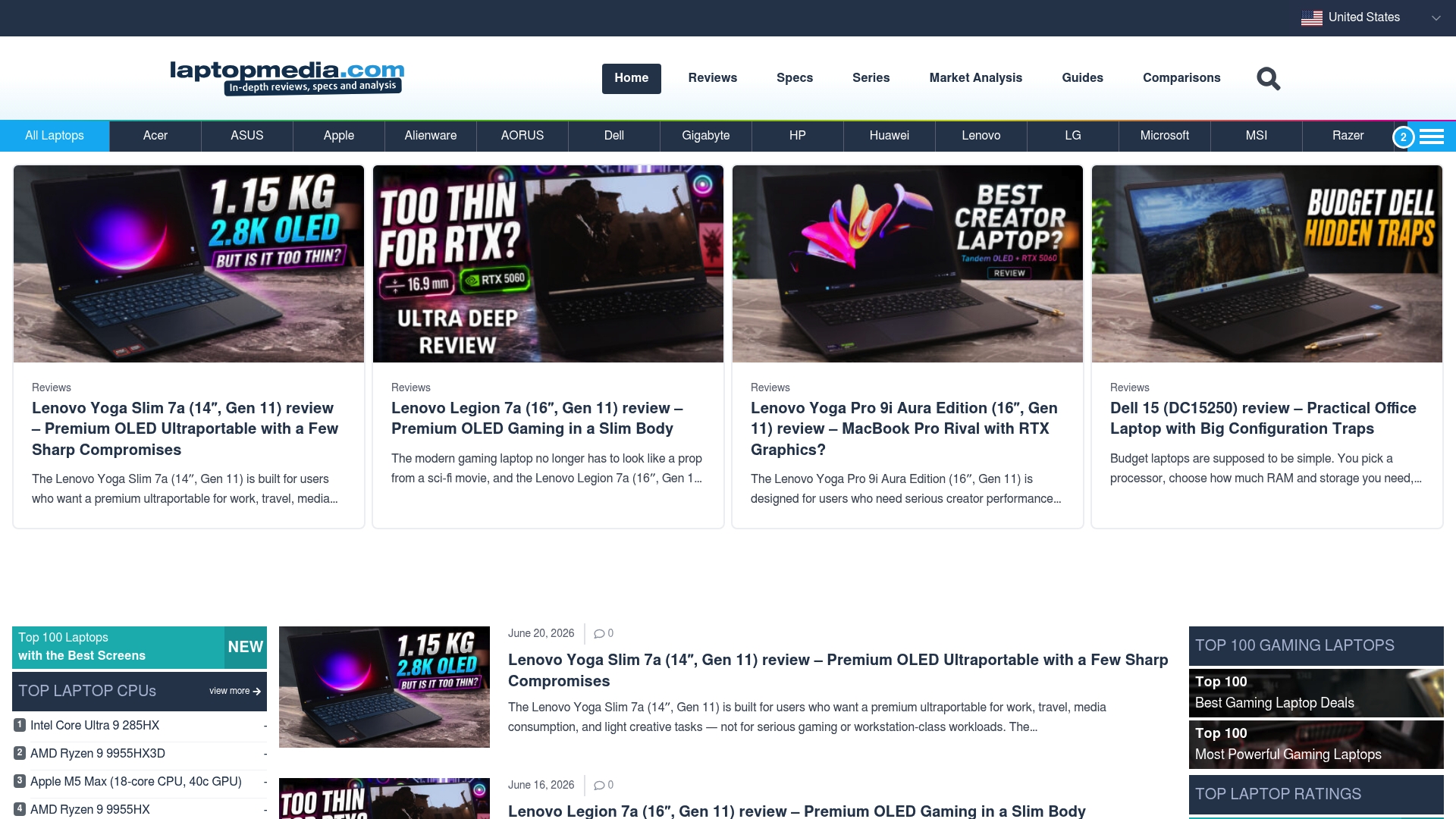
Many visitors first land on a Cloudflare challenge page before they reach laptopmedia.com content. The site displays security verification pages and step by step troubleshooting guides. That emphasis makes the site function more as an access support resource than a product review destination.
Core Features
The site centers on three practical capabilities. It documents Cloudflare challenge handling, provides step by step troubleshooting documentation, and publishes guides for browser and network configuration problems. These resources aim to help visitors resolve verification loops and access blocks without needing third party help.
Key Differentiator
The vendor positions laptopmedia.com as a resource with extensive troubleshooting documentation focused on Cloudflare related access problems. That focus prioritizes diagnostics, sequential checks, and repair steps rather than product listings or shopping advice. The structure groups browser level fixes, device checks, and network tests into clear sequences. Support teams and site administrators will find the format easier to reuse in help desk workflows.
Pros
The site offers clear step by step instructions that address common Cloudflare challenge loops and captcha cycles. Troubleshooting pages reference browser extensions, cookie settings, DNS checks, and basic network tests with practical wording and images. Non technical visitors can follow a sequence of checks to restore access without reading dense technical manuals. Site owners get practical notes for server side checks and firewall settings to reduce repeated access blocks. Documentation flags common extension culprits and suggests simple verification steps.
Cons
-
The content focuses on access troubleshooting rather than laptop product reviews. That reduces usefulness for readers who want model comparisons or buying guidance.
-
There is no pricing, product pages, or shopping workflow. Shoppers seeking specs and purchase advice will need a different resource.
-
Troubleshooting assumes some comfort changing browser or network settings. Less technical visitors may still require direct help from forums or site administrators.
When It May Not Fit
If your primary goal is to compare laptops or track mid range laptop prices, this resource will not fit. The site does not offer product evaluations, price comparisons, or buying checklists. It is built around access and verification help rather than commerce or editorial reviews.
Who It’s For
Website administrators and developers who manage site access and security will get the most from these pages. Technical support staff can adapt the step sequences as help desk procedures. Individual visitors blocked by verification pages can follow the guides to clear common local blockers.
Real World Use Case
A reader hits a Cloudflare verification loop and cannot reach an article. They follow the site checklist to disable a problematic extension, clear cookies, and test DNS settings. After completing those steps the reader regains access and confirms the blocker was a local network filter.
Website: https://laptopmedia.com
Trusted Reviews
At a Glance
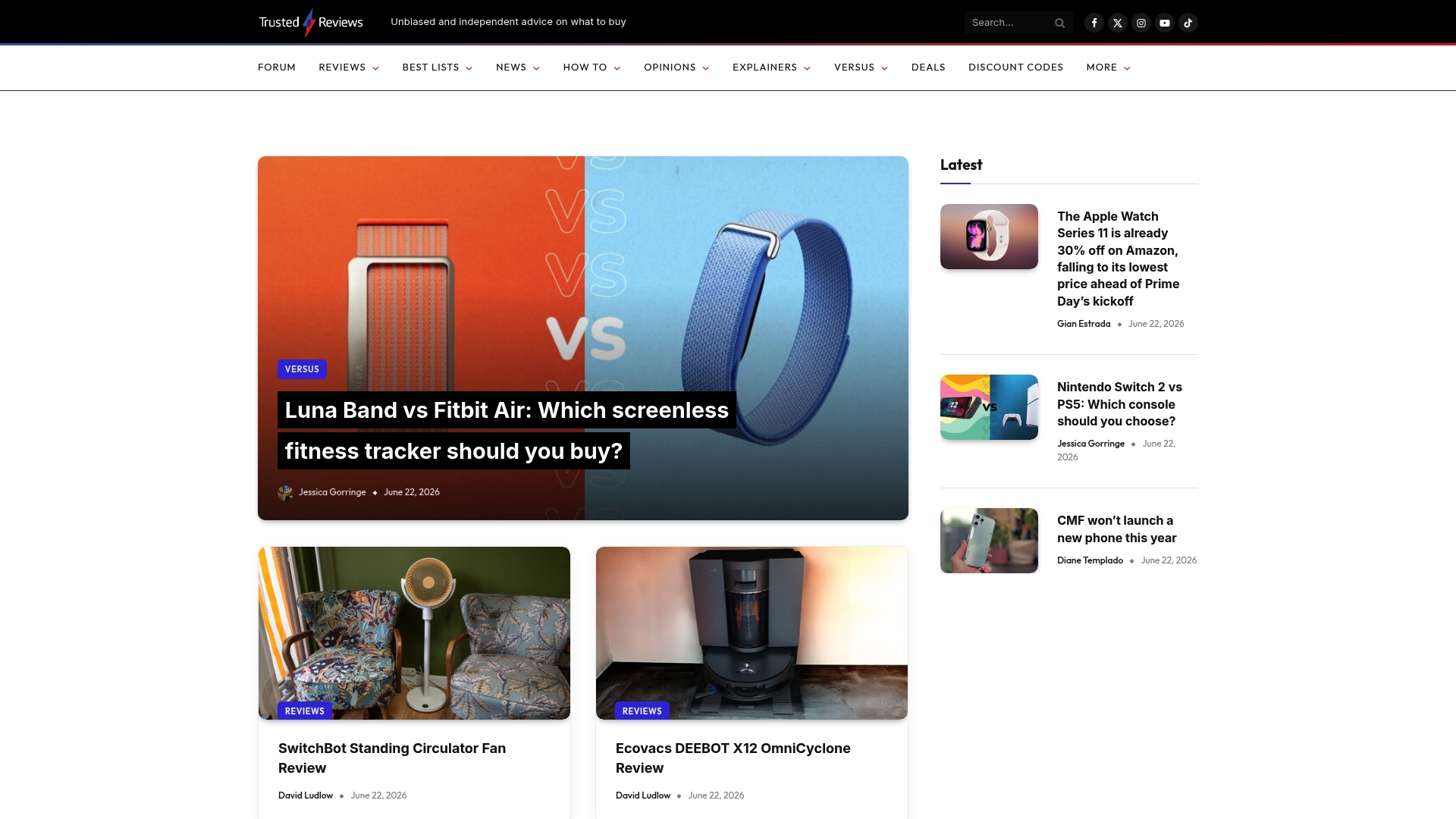
Expert testing covers cameras, computing, home appliances, mobile phones, and more. That breadth unites long form reviews, buying guides, and a community forum into a single source for gadget research. Readers get frequent updates and deal alerts that keep comparisons current.
Core Features
Trusted Reviews publishes hands on product reviews and comparisons that detail performance, ergonomics, and real use trade offs. The site pairs those reviews with buying guides and best lists to narrow viable options by budget and use case. A community forum hosts reader questions and discussion threads that surface practical tips and real world experiences.
Key Differentiator
Trusted Reviews emphasizes expert testing and editorial independence. That combination means reviews focus on measured outcomes and clear buying guidance rather than promotional copy. The editorial model fits readers who want evaluated evidence and context before they click buy.
Pros
Trusted Reviews delivers deep, test based reviews that explain why a product behaves a certain way and how that matters for daily use. The site covers many categories, so readers can compare like for like across cameras, laptops, and home tech without jumping between niche sites. Regular updates and active forum threads help track price shifts and common field issues. Editorial independence reduces the risk of sponsorship bias and makes purchase recommendations easier to trust.
Cons
- Does not sell products or provide retail services. Readers must follow links to retailers to complete purchases.
- Content is primarily informational and editorial rather than transactional. It does not replace hands on try before you buy when that is available.
- The site focuses on reviews and news, so it lacks direct technical support or product warranties.
When It May Not Fit
If a reader needs to buy directly from the same site, Trusted Reviews will not meet that need. The publication does not provide warranty handling, returns processing, or on site product repair. Organizations seeking white labeled testing or proprietary lab services will need a different partner.
Who It’s For
Consumers who want evidence driven purchasing advice and clear side by side comparisons will find this site useful. Tech enthusiasts who follow product cycles and deal windows will benefit from frequent updates and forum discussions. People who prefer editorial context over user generated ratings will get the most value.
Real World Use Case
A buyer choosing between three mid range smartphones reads the long form reviews to compare camera performance and battery longevity. The buyer consults the best lists to narrow the options and checks forum threads for common firmware quirks. That process yields a confident choice and a link to the best current deal.
Website: https://trustedreviews.com
Comparison of alternatives
In the search for the most effective resources for evaluating mid-range laptops, each platform showcased offers its unique strengths and appeal. While Techreviewnerds.com leads for its detailed comparative reviews and practical troubleshooting guides, alternatives like Notebookcheck.net and Trusted Reviews cater to specific informational needs, such as thorough benchmark data and broad market insights.
Depth of data and testing methodology
Notebookcheck.net excels in providing intricate and exhaustive hardware evaluations. With detailed performance measurements including CPUs, battery longevity, and thermal behavior, this platform serves technical audiences requiring precise comparison metrics. By contrast, LaptopMag and Trusted Reviews adopt a broader perspective, focusing on editorial summaries and consumer-friendly articles. Techreviewnerds.com positions itself uniquely by offering user-oriented troubleshooting tools in conjunction with direct product tests, bridging expert insights with practical usability.
Editorial presentation and user access
Trusted Reviews delivers a range of perspectives across various technology categories, pairing expert reviews with an active forum community for peer insights. However, the necessity to rely on linked retailers for purchases and the absence of direct product testing tools create limitations for an immediate buying decision. In contrast, Techreviewnerds.com’s structured review formats and interactive features make it user-friendly and tailored for hands-on decision-making processes.
Best fit
- Techreviewnerds.com fits shoppers prioritizing honest evaluations and user-oriented troubleshooting tools for guided mid-range laptop decisions.
- Notebookcheck.net serves technical professionals needing granular performance data and repeatable benchmarks for rigorous comparisons.
- Trusted Reviews benefits those seeking a broad editorial scope and peer discussions to learn industry trends and shared experiences.
Our pick
Among the reviewed platforms, Techreviewnerds.com provides an combination of in-depth reviews, regular updates, and practical troubleshooting tools, catering effectively to both novice and experienced consumers. While alternatives like Notebookcheck.net shine for their detailed benchmarking and Trusted Reviews for their wide-ranging content, Techreviewnerds.com distinguishes itself with its and user-friendly resources. This makes it the preferred choice for those prioritizing operational insights alongside buying assistance.
Identifying the most suitable platform for gaining insights into mid-range laptops entails evaluating the sites based on their review depth, accessibility, and unique features.
| Source | Core Feature | Key Differentiator | Best For | Notable Limitation |
|---|---|---|---|---|
| Techreviewnerds | Hands-on reviews and troubleshooting | Regular updates and comparison tools | Tech enthusiasts wanting practical insights | Some advanced data behind paywalls |
| LaptopMag | Editorial reviews and buyer guidance | Focus on consumer-centered reviews and news coverage | Consumers preferring editorial evaluations | Missing structured reviews and interactive tools |
| notebookcheck.net | Exhaustive hardware tests and benchmarks | Technical benchmarks with detailed measurements | IT professionals wanting in-depth comparisons | Restricted access due to Cloudflare challenges |
| laptopmedia.com | Access troubleshooting documentation | Step-by-step help for resolving Cloudflare challenges | Web administrators and technical staff | Non-suitability for product reviews |
| Trusted Reviews | Product comparisons and community forum | Evidence-driven testing and editorial independence | Consumers seeking extensive buying advice | Retail functionality not provided |
What Challenges Do You Face When Choosing the Best Mid Range Laptop?
Finding the right mid range laptop often comes with confusing specs and mixed reviews that make decisions tough. Many consumers and tech enthusiasts want clear, hands-on insights about battery life, thermal performance, and real-world use rather than marketing hype. Techreviewnerds solves this issue by offering independent, hands-on reviews and regularly updated Buying Guides that focus on practical comparisons and straightforward troubleshooting.

Stop spending hours wading through conflicting info. At Techreviewnerds, readers find honest performance data and step-by-step support that saves both time and money. Visit https://techreviewnerds.com to read detailed Reviews and get clear advice tailored for students, remote workers, and tech novices looking for trusted laptop evaluations.
FAQ
What unique features does Techreviewnerds offer for evaluating the best mid range laptop?
Techreviewnerds provides hands-on reviews that report real-world battery, thermal, and performance behavior. This detail makes it a solid choice for readers seeking practical, performance-based testing rather than just spec sheets. You can rely on its findings to make informed decisions based on actual user experience.
How does Techreviewnerds compare to LaptopMag in delivering laptop reviews?
LaptopMag excels at providing easily accessible and opinionated reviews that target everyday buyers and tech enthusiasts. Techreviewnerds, however, follows up with in-depth hands-on testing and interactive troubleshooting tools, making it particularly suitable for readers looking for comprehensive evaluations alongside functional support for their devices.
Can Techreviewnerds help me with setup and troubleshooting for my laptop?
Techreviewnerds features interactive troubleshooting guides that walk readers through setup, calibration, and basic repairs. This hands-on approach means you’ll have support for resolving common issues while ensuring your laptop performs optimally after purchase.
How does the editorial independence of Techreviewnerds affect its reviews?
The editorial independence of Techreviewnerds ensures that reviews focus on measured outcomes and clear buying guidance rather than promotional content. This authenticity helps readers trust the recommendations, knowing they are based on real-world testing rather than sponsor interests.
What advantages does Techreviewnerds provide for new laptop buyers?
Readers benefit from practical insights grounded in repeatable tests and clear pros and cons. This approach reduces time spent on research and allows buyers to focus on the laptop features that matter most to their specific needs.