

Finding reliable laptop review sources that actually reflect real-world performance and recent model updates feels uncertain. Many sites delay updates or skip thorough testing, so recommendations often miss firmware changes and current battery or thermal behavior. This comparison shows which sources provide hands-on testing, detailed benchmarks, and current advice so you can pick one that matches your research style.
Table of Contents
- Tech Review Nerds
- Notebookcheck.net
- LaptopMedia Review Aggregation
- Tom’s Hardware
- LaptopMag
- Comparison of alternatives
Tech Review Nerds

At a Glance
Reviews are updated regularly to reflect new models and firmware differences, so advice rarely reflects obsolete configurations. The site pairs hands on testing with benchmark charts that show battery, thermal, and sustained performance. That focus helps you compare real outcomes instead of marketing specs.
Core Features
Techreviewnerds publishes independent, hands on reviews built around repeatable performance benchmarking and thermal management analysis, which makes overheating and sustained load behavior easy to see. The site also maintains practical buying guides tailored to different budgets and use cases and publishes setup and troubleshooting advice that reduces common first week friction. Regular updates keep older reviews aligned with firmware and model revisions.
Key Differentiator
The clearest advantage is the pairing of independent testing with continual content updates, which cuts the gap between launch day impressions and real world firmware changes. Reviews emphasize sustained performance over synthetic peak scores, and thermal charts show where throttling affects real tasks. That combination reduces the chance of buying a configuration that performs worse than advertised.
Pros
Techreviewnerds provides unbiased, tested evaluations that prioritize real world usability and measurable performance. Buying guides compare models by battery life, thermals, and upgradeability, which speeds decision making for students and casual gamers. Troubleshooting and setup sections help you get the most from a new laptop without hunting through multiple forums.
Cons
- Limited coverage for professional or industrial grade equipment; the editorial focus is primarily consumer focused and enterprise or niche tools receive less attention.
Who It’s For
This is a fit for casual technology enthusiasts, students, and gamers who need clear, practical comparisons to pick a laptop that matches daily use. It also suits professionals who buy mainstream consumer laptops and want to prioritize battery life and thermal stability. If you need enterprise management or specialized industrial testing, look elsewhere.
Unique Value Proposition
Regularly updated reviews that track firmware and model revisions reduce wasted research time and lower the chance of a disappointing purchase. Techreviewnerds ties measured benchmarks to actionable buying advice, so you do not have to translate raw scores into real world expectations. That mix makes it faster to shortlist models that meet your battery, thermal, and upgradeability needs.
Real World Use Case
A student can compare lightweight laptops by reading the battery discharge curves and thermal throttling charts, then consult the upgradeability notes to confirm RAM and storage options. The site’s setup guides cut the time spent on driver and firmware tweaks after purchase. Those steps simplify choosing a laptop that lasts a semester without surprise performance drops.
Website: https://techreviewnerds.com
Notebookcheck.net

At a Glance
Notebookcheck.net has published detailed hardware tests and benchmark tables since 2005. Its reviews break down CPU, GPU, and battery performance with repeatable test results. The site pairs data with long-form analysis that appeals to technically minded readers.
Core Features
Notebookcheck.net focuses on deep hardware testing and repeatable benchmarks, and it publishes detailed reviews and news articles that reference those tests. The site maintains an extensive database of device rankings and comparison charts, and it covers laptops, smartphones, tablets, and related gadgets. Regular updates track new product launches, leaks, and firmware changes that affect real-world results.
Key Differentiator
Notebookcheck.net stands out for its technical benchmark depth and methodical test procedures. Compared with Techreviewnerds, Notebookcheck.net leans harder toward raw performance metrics and lab-style testing. That approach yields fine-grained comparisons for people who need numbers they can replicate.
Pros
The site delivers highly thorough hardware testing and benchmarking that help you compare components across generations. Its benchmark data is detailed and searchable, which makes cross-device comparisons straightforward. Coverage spans many device classes, so you can follow a laptop model through CPU, GPU, display, and battery sections without leaving the same review.
Cons
- Some readers accuse the site of bias toward certain manufacturers. That perception appears in comment threads and forum posts.
- A few articles use sensational headlines that can overpromise results before the reader checks the tests themselves.
- Several reviews assume technical knowledge and skip basic buying guidance for casual shoppers.
- There is occasional criticism of specific testing methods from other reviewers and readers.
When It May Not Fit
If you want short, buyer-focused recommendations written for casual shoppers, this site can feel too technical. People who prefer clear shopping pick lists and simplified comparisons will find Notebookcheck.net dense. If you need quick retail advice on price and availability, other outlets with concise buying guides will serve you better.
Who It’s For
Notebookcheck.net fits tech enthusiasts, hardware reviewers, and industry analysts who rely on repeatable test results. It also suits consumers who want to dig into performance tradeoffs before they buy a laptop. Developers and journalists needing numbers and charts will find the raw data useful.
Real World Use Case
A hardware reviewer uses Notebookcheck.net to benchmark a new gaming laptop, then compares its CPU and GPU scores to past models. The reviewer cites the display measurements and battery run times to explain performance differences. That level of detail helps readers judge whether the model matches their workload.
Website: https://notebookcheck.net
LaptopMedia Review Aggregation

At a Glance
Lab-measured display scores anchor LaptopMedia’s rankings and drive much of its editorial focus. The site combines those measurements with market trend analysis and top seller rankings to surface high performing models. Rankings and reports update regularly as new sales figures and expert tests are published.
Core Features
LaptopMedia offers market trend analysis, top seller rankings, and market share reports that map which brands and models lead in specific categories. The site pairs those findings with display quality ratings based on lab measurements and with CPU and GPU rankings for laptop use cases. It also carries detailed model reviews and aggregates third party commentary to give a balanced mix of measured data and expert opinion.
Key Differentiator
The single strongest asset is the pairing of lab display measurements with market insights. That combination makes it easier to compare panels by color accuracy, brightness, and contrast alongside real world sales performance. The lab focus on screens sets it apart from general review sites.
Pros
The site delivers extensive market analysis and constantly updated rankings that help spot which models are trending. Its lab-verified display scores and panel profiles provide concrete metrics for color critical work and creative workflows. Coverage spans gaming machines, professional workstations, and ultraportables, and the aggregation of third party reviews helps reduce single source bias.
Cons
-
Limited third party user reviews on specific products reduce the available subjective feedback for everyday ownership experiences.
-
The emphasis on market and performance rankings means fewer long form, hands on narratives for individual models.
-
Pricing and local availability details are often sparse because the site focuses on aggregation and analysis rather than retailer listings.
When It May Not Fit
If firsthand user impressions and long term reliability anecdotes are your top priority, this site will feel light on that material. Buyers who need local price tracking or stock alerts should look to retailer focused sites instead. People seeking teardown guides or repair instructions will also need other specialist pages.
Who It’s For
This resource fits tech enthusiasts, buyers, and industry analysts who value measured hardware performance and market context. If you choose laptops based on display fidelity or component rankings, this site gives the data you need. It works best when paired with hands on user reviews for purchase confidence.
Real World Use Case
A creative professional comparing portable workstations will use LaptopMedia to find models with verified color accuracy and sufficient brightness for editing on the go. A gamer can consult the GPU and display rankings to pick a high end gaming laptop with a responsive, color precise screen.
Website: https://laptopmedia.com
Tom’s Hardware
At a Glance
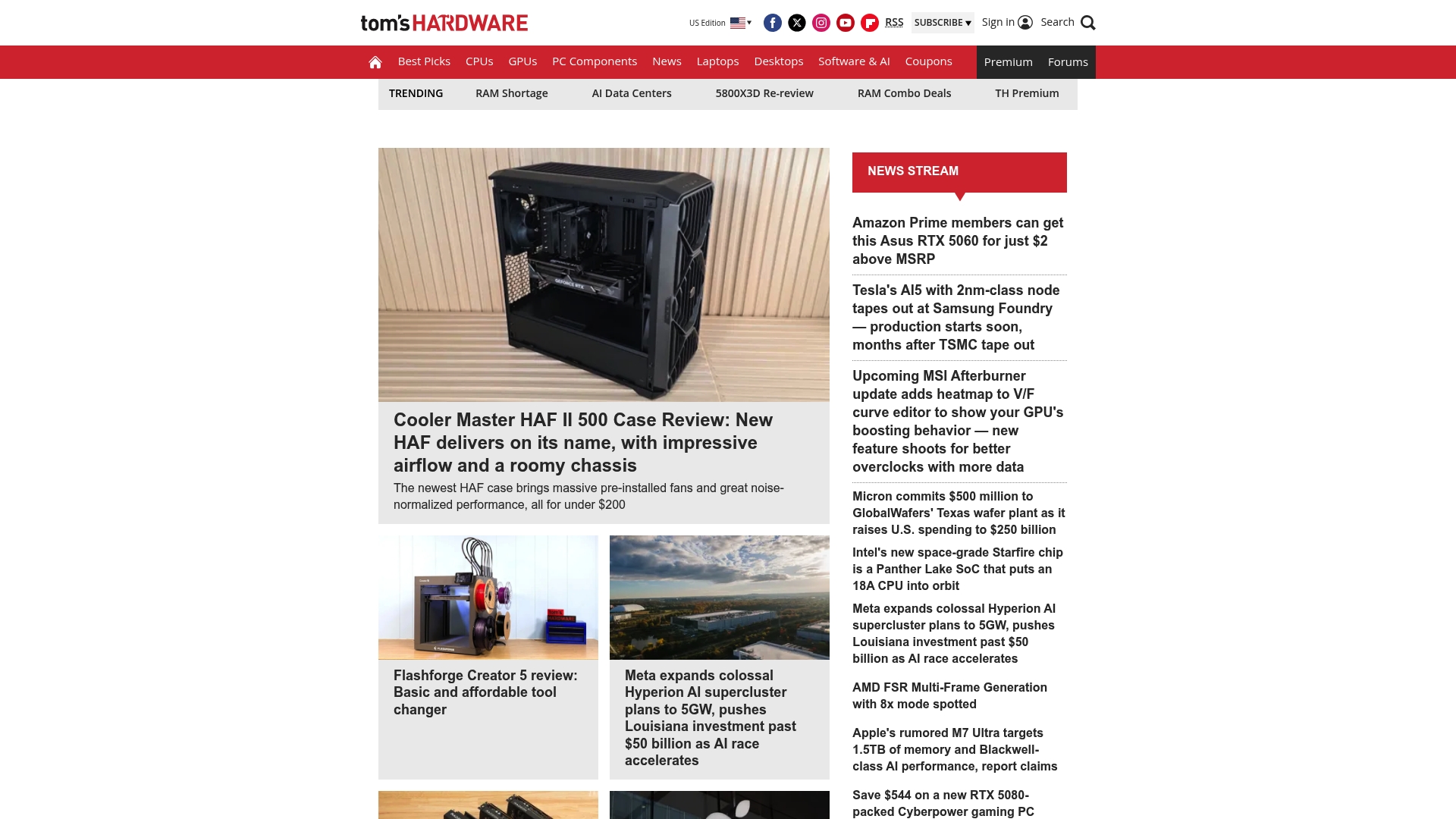
Tom’s Hardware still shows missing or removed content pages that limit direct access to some product details. The site retains a long standing reputation for deep performance figures and benchmark focus. Readers report mixed experiences with review bias and forum moderation, so treat community commentary with caution.
Core Features
Tom’s Hardware publishes tech news, reviews, and a large set of benchmark results that aim to quantify component performance. The site hosts community forums where builders compare builds and troubleshoot problems, though moderation quality varies. Its steady stream of review pieces centers on raw figures and test data rather than lifestyle or buyer guidance.
Key Differentiator
The standout trait is Tom’s Hardware’s emphasis on measured performance and technical benchmarking, which appeals to component buyers who want numbers. Compared with Techreviewnerds, Tom’s Hardware leans more toward raw test data and less toward curated, use driven recommendations. That focus suits readers who weigh benchmarks heavily when choosing parts.
Pros
Tom’s Hardware maintains a long standing presence in PC hardware coverage, which gives it a large archive of historical tests and comparisons. Its reviews often include detailed measurement tables and charts that help you compare CPU, GPU, and storage performance. The forums can surface useful peer troubleshooting and real build feedback when moderation keeps conversations on topic.
Cons
-
Perceived bias and favoritism in reviews. Some readers flag selective framing that favors certain vendors.
-
Toxic or unhelpful community moderation. Threads can derail, which reduces signal for new builders.
-
Content integrity issues and misleading information. Reports describe occasional articles with questionable methodology or unclear sourcing.
When It May Not Fit
If you want consistently moderated community discussion, Tom’s Hardware may frustrate you because forum moderation is uneven. If you prefer step by step buying guides or curated recommendations aimed at general consumers, this site’s benchmark first approach can feel raw. Missing or removed content pages reduce usefulness for specific product lookups and make some comparisons incomplete.
Who It’s For
This site fits tech enthusiasts and PC builders who prioritize benchmark numbers when choosing parts. It also serves readers who value an archive of past tests for long term component comparison. Avoid relying on forum consensus if you need calm, moderated advice.
Real World Use Case
A PC builder cross checking GPU and CPU benchmarks uses Tom’s Hardware to compare frame rate and thermal figures across models. They then treat forum posts as supplemental anecdote and verify any vendor claims with additional reviews.
Website: https://tomshardware.com
LaptopMag
At a Glance
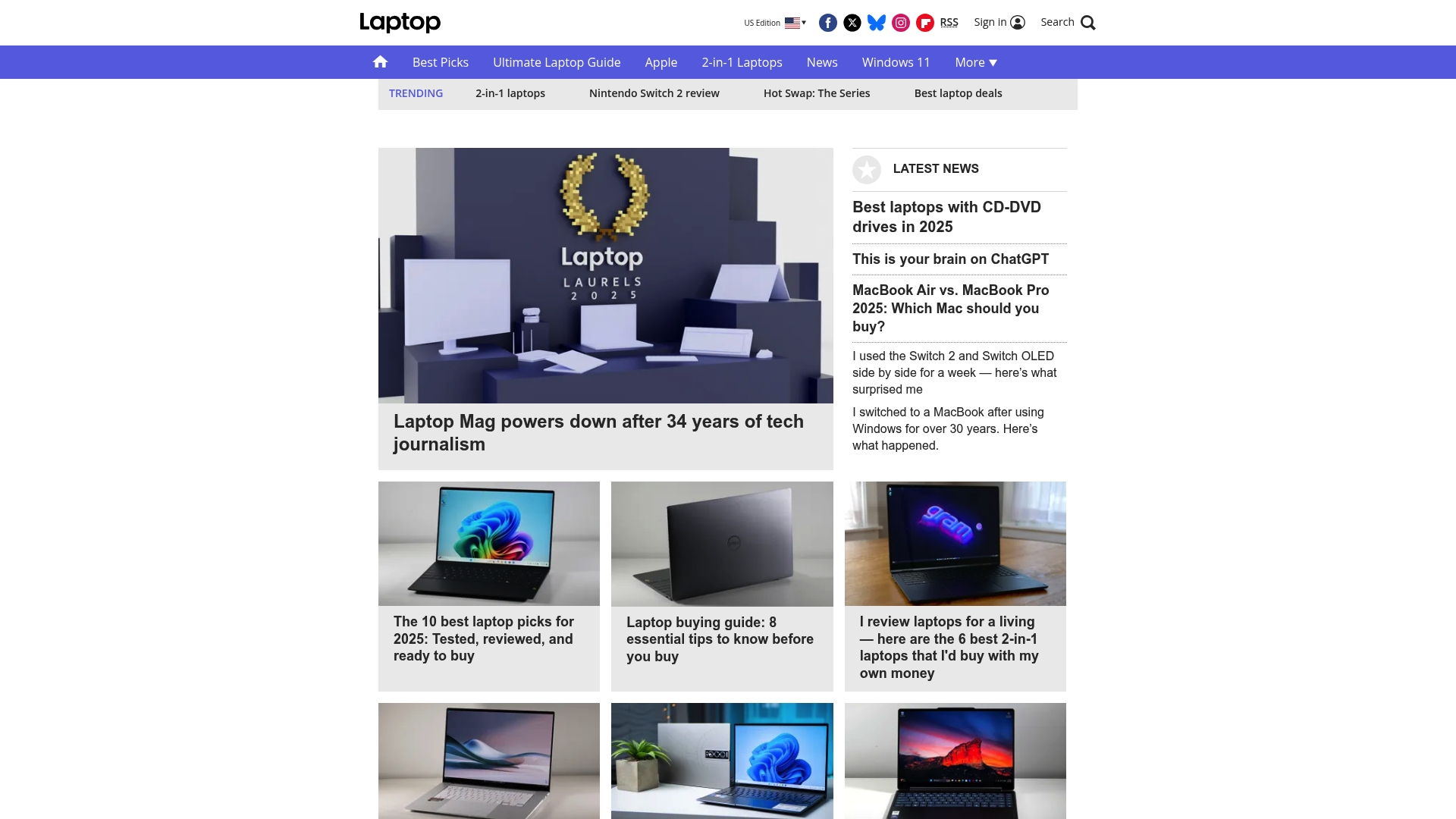
LaptopMag had public pages for features and product listings that were not viewable during review. The site still publishes reviews, news, and feature articles about laptops and related technology. Available content reads like editorial coverage rather than a product marketplace. The lack of accessible product pages limits deeper verification of claims.
Core Features
The site serves as an editorial outlet focused on laptop reviews, industry news, and feature stories, with an emphasis on coverage rather than commerce. Available metadata shows restricted access to sections labeled features, integrations, products, and use cases, so readers will mainly find articles and reporting. No integration or product detail pages were retrievable from the materials provided.
Key Differentiator
LaptopMag operates primarily as a media publication dedicated to laptop coverage rather than a storefront or comparison engine. That editorial focus means the site prioritizes writing, news, and review-style articles about laptops and accessories. Readers looking for narrative analysis and reporting will find the outlet oriented toward those formats.
Pros
The site clearly targets laptop topics, so readers researching models and market trends will see focused coverage on that category. Editorial pieces and news articles can surface new releases and industry context that help narrow options before shopping. Because the outlet publishes reviews and features, it can work well as an early read when you want a professional perspective on recent laptops.
Cons
-
Lack of accessible detailed information or product offerings prevents direct verification of specs or claims.
-
Pages for core sections like features, integrations, products, and use cases were missing or removed.
-
No substantive third party user feedback or community reviews were available for evaluation.
When It May Not Fit
If you need a platform with user reviews, verified product specs, or a comparison table, this site will not meet those needs. The publication lacks marketplace features and retrievable product pages, so it does not replace hands on benchmarks or buyer forums. Avoid it for purchase decisions that require crowdsourced ratings or exhaustive spec spreadsheets.
Who It’s For
This outlet fits tech enthusiasts and consumers who prefer editorial reviews and news when researching laptops. It suits people who want context about new releases and trends rather than crowdsourced ratings. Readers hunting for hands on benchmarking data or community-sourced pros and cons should look elsewhere.
Real World Use Case
A reader comparing two mainstream laptop models can use LaptopMag to read review articles and feature analysis that outline differences in design and positioning. The site helps surface release timelines and industry commentary useful during early-stage research. For final purchase checks that require user reports or detailed spec comparisons, supplement this reading with manufacturer pages or comparison sites.
Website: https://laptopmag.com
Comparison of alternatives
coverage of consumer-oriented laptops positions techreviewnerds.com as a reliable source, while its competitors bring specialized strengths to the table. By evaluating benchmarking methodologies, review focus, and dataset accessibility, you can identify which platform matches your technical insight requirements or consumer-guided choices.
Benchmarking Technical Detail
Notebookcheck.net excels in providing hardware benchmarking with rigorous testing protocols, ensuring results that can be replicated in controlled lab environments. The database includes diverse comparisons across CPU, GPU, and battery performance metrics, which benefits industry analysts and component reviewers requiring technical granularity. However, its dense presentation may overwhelm casual readers seeking straightforward comparisons or streamlined purchasing advice.
Specialized Display Analysis
LaptopMedia focuses on verifying display characteristics, such as brightness and color accuracy, through curated lab measurements. Creative professionals and gamers valuing accurate panel technicalities for their workflows find LaptopMedia’s insights for choosing a purpose-driven device. Nonetheless, its aggregated review approach lacks the narrative style found in hands-on evaluations, which may leave gaps for certain buyer groups.
Best fit
- Buyers prioritizing concise, regularly updated reviews tailored to consumer laptops benefit the most from techreviewnerds.com for streamlining their search process.
- Professionals digging into replicable benchmark metrics across devices should opt for Notebookcheck.net to make informed technical decisions.
- Creative users needing color-accurate displays for design or production may find LaptopMedia’s lab results more applicable.
- Enthusiasts comparing historical component performance metrics appreciate Tom’s Hardware’s archival review approach for situating their expectations.
Our pick
For concise, regularly updated consumer laptop assessments, aligned with current firmware, techreviewnerds.com remains the recommended option. Its emphasis on real-world usability, effective buying guides, and post-purchase setup advice aligns significantly with casual students, gamers, and professionals requiring consumer-grade equipment. However, if raw performance benchmarking or specialized display analysis is your determining factor, exploring Notebookcheck.net or LaptopMedia would be prudent.
Effective performance testing paired with real-time updates sets each platform apart, aiding users in precise laptop selection.
| Platform | Core Feature | Differentiator | Best For | Limitation |
|---|---|---|---|---|
| Techreviewnerds | Comprehensive performance benchmarking | Emphasizes real-world sustained performance | Casual enthusiasts, students, and mainstream buyers | Limited coverage of industrial-grade equipment |
| Notebookcheck.net | In-depth hardware analysis with benchmark tests | Thorough lab-style testing for replicable results | Tech enthusiasts and industry analysts | Dense technical content may deter casual shoppers |
| LaptopMedia | Market trends paired with lab-measured metrics | Display quality analysis combined with market data | Creative professionals and market analysts | Limited narrative content |
| Tom’s Hardware | Benchmark-focused testing with tutorials | Archive of historical hardware performance data | PC builders and tech enthusiasts | Inconsistent forum moderation |
| LaptopMag | Editorial reviews and tech news focus | Narrative-driven approach to laptop coverage | Early-stage research by consumers | Lack of detailed product specifications |
Finding Reliable Laptop Reviews Without Losing Time
Choosing the right laptop often means facing a flood of conflicting information and marketing claims. Many tech enthusiasts, students, and casual gamers want clear, updated insights focused on real use rather than just specs or hype. Techreviewnerds tackles this by offering honest, hands-on reviews with regular updates that reflect firmware changes and model revisions. This approach helps you avoid surprises like hidden thermal throttling or poor battery performance.

Explore expert Reviews and practical Buying Guides specially crafted to help you pick the best laptop for your usage. Visit https://techreviewnerds.com to skip over confusing details and find trustworthy information that saves you time and money on your next laptop purchase.
FAQ
How does Techreviewnerds prioritize real-world usability in laptop reviews?
Techreviewnerds emphasizes real-world usability by focusing on independent testing paired with measurable performance metrics. This approach helps users compare real outcomes instead of relying on marketing specs, allowing for informed decision-making. You can expect straightforward, practical evaluations that reflect actual performance during use.
What is the difference between Notebookcheck.net and Techreviewnerds in benchmarking?
Notebookcheck.net excels in providing detailed hardware tests and raw performance metrics, making it ideal for users who need replicable benchmarks. In contrast, Techreviewnerds emphasizes sustained performance and thermal management, which is beneficial for casual technology enthusiasts and gamers looking for balanced usability. You may choose Techreviewnerds for a more user-friendly review experience that emphasizes practical comparisons.
Which site is better for market trend analysis in laptop reviews?
LaptopMedia provides extensive market trend analysis alongside its lab-verified display ratings, making it a strong contender for users interested in understanding market dynamics and top-performing models. Techreviewnerds, while more focused on independent testing, offers practical buying guides that align with those trends. You can use LaptopMedia for in-depth market insights while supplementing your research with Techreviewnerds’ practical comparisons.
Can I find setup and troubleshooting advice on Techreviewnerds?
Yes, Techreviewnerds provides practical setup and troubleshooting advice that reduces common first-week friction. This content complements their reviews and helps users get the most from their new laptops without searching through multiple forums. Expect straightforward guidance to help simplify your initial experience with a new device.
How does Techreviewnerds update its reviews?
Techreviewnerds updates its reviews regularly to reflect new models and firmware differences, ensuring that the information is current and relevant. This continuous updating process reduces the chance of purchasing outdated configurations. Expect reliable insights that keep pace with the latest hardware developments for informed choices.